

How do I set up my ‘VAT on a Cash Receipts’ basis?
Click ‘Setup’.
Click ‘Options’.
Click ‘Yes’.
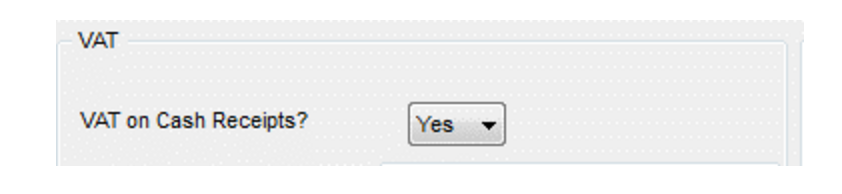
Change the option “VAT on Cash Receipts?” from no to YES.
Click “Save”.
Note: You may need to speak to your accountant or Revenue to ensure you are eligible for VAT on cash receipts basis.
If changing this setting please do so with care, and ensure to note the affects. i.e. where it is now looking to get the Vat figures from Big Red Book, and be aware that there is a potential cross over in figures that showed up in the standard vat report and in the vat and cash receipts report. For example, if you were using standard vat (and are not using receipts payments manual allocation), and you switch to vat on cash receipts, it will look to the cash receipts for the Vat rather than the sales book. So if you entered a Sales in January, and did your January/February Vat submission, but the receipt was entered in March, then when doing your March/April Vat submission it is counting that amount again.
Note if you are using Vat and cash receipts and receipts payments manual allocation, you will get a choice over how the vat is calculated.
When using Vat on cash receipts, you should run the Vat on cash receipts report rather than the standard vat report.